
Build a Self-Improving AI Agent with n8n: A Step-by-Step Guide
Move beyond simple 'if this then that' automation and create workflows that truly learn. A self improving n8n agent is an automated workflow that not only executes tasks but also analyzes its own performance, identifies failures, and uses that data to refine its future actions.


Move beyond simple 'if-this-then-that' automation and create workflows that truly learn. A self-improving n8n agent is an automated workflow that not only executes tasks but also analyzes its own performance, identifies failures, and uses that data to refine its future actions. This tutorial demystifies the concept and provides a practical, step-by-step guide to building an agent that learns from its mistakes, creating more robust and intelligent business automation.

Key Takeaways: Building Your Learning Agent
- Start with a simple trigger for your workflow, like a new email or a webhook receiving a customer query.
- Integrate a knowledge base, such as a Google Sheet or a vector database like Cognee, to provide your AI with context.
- Design a 'failure path' using a Router or IF node to catch when your agent can't find an answer or has low confidence.
- Implement a Human-in-the-Loop (HITL) step that alerts a person via Slack or email when a failure occurs, asking them for the correct information.
- Create a feedback loop where the human's verified answer is automatically written back into the knowledge base, enabling the agent to handle the same query correctly in the future.
- Consider self-hosting your n8n instance for maximum control over costs, data privacy, and custom configurations.
Table of contents
- What Is a Self-Improving Agent (and Why Use n8n)?
- Architecting the Core Learning Loop: Key Components
- Setting Up Your n8n Environment and Key Tools
- Step 1: Building the Basic Request-Response Workflow
- Step 2: Integrating a Knowledge Base for Contextual Answers
- Step 3: Creating the 'Failure Path' for Unanswered Questions
- Step 4: Implementing the Human-in-the-Loop (HITL) Review
- Step 5: Closing the Loop by Updating the Knowledge Base
- Comparing Improvement Mechanisms: Simple Storage vs. RAG with Cognee
- Deploying and Monitoring Your Intelligent Agent
- Conclusion and Next Steps
- Frequently asked questions
- Additional Resources
What Is a Self-Improving Agent (and Why Use n8n)?
A self-improving agent is an automated system that can learn from its own experiences, specifically by identifying and correcting its failures, rather than following a static set of rules. This contrasts with traditional automation, which executes predefined logic without adapting.
n8n is an exceptionally well-suited platform for building these sophisticated agents. Its visual workflow builder, extensive library of integrations, and powerful logic nodes (like 'IF' and 'Router') allow for the creation of complex decision trees and feedback loops essential for learning. This capability far surpasses the simpler, linear automations often found in tools like Zapier.
Consider a scenario where a customer support bot should answer FAQs. A simple bot might fail when encountering a new question. A self-improving agent, however, would recognize its inability to answer, flag the question for human review, and then incorporate the provided answer into its knowledge base for future reference.
Architecting the Core Learning Loop: Key Components
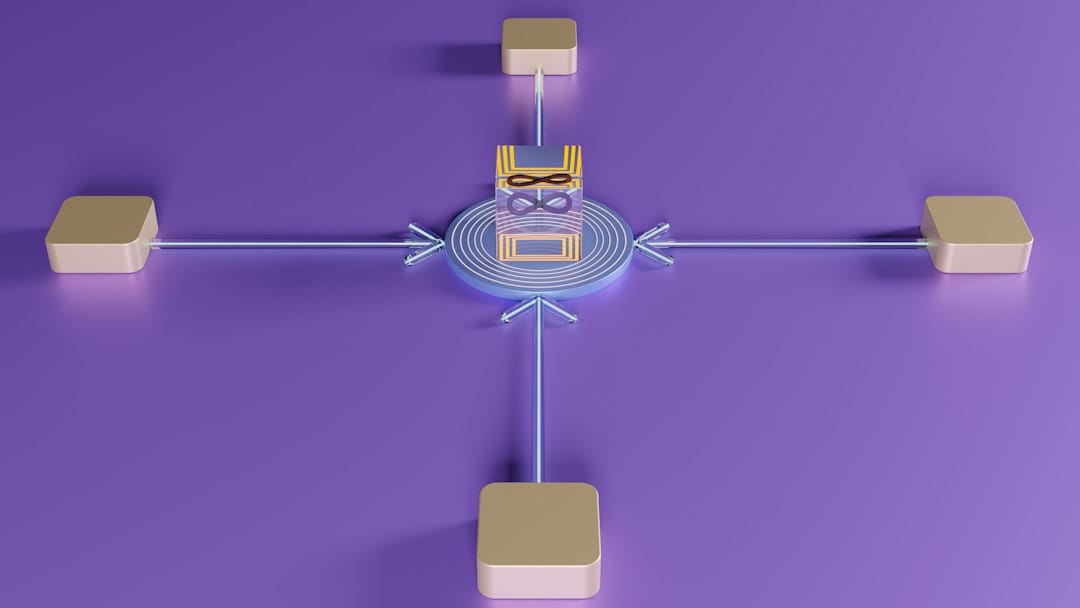
A well-architected self-improving agent typically comprises six interconnected components: a trigger to initiate actions, a knowledge base to store information, an AI processor for decision-making, failure detection logic, an interface for human review, and a feedback mechanism to update the system. These components work in concert to refine the agent's performance over time.
This entire process can be visualized as a loop: an initial query triggers the retrieval of information from a knowledge base, which is then processed by an AI. If the AI successfully answers, the process concludes. If it fails or lacks confidence, the query is routed for human review, and the corrected information is fed back into the knowledge base, thereby improving future responses.
The Knowledge Base serves as the agent's memory, storing approved Q&A pairs, documents, or other relevant data. This could be as simple as a Google Sheet or as sophisticated as a vector database. The AI Processor (an LLM) uses this knowledge to formulate answers. Failure Detection Logic actively monitors the AI's confidence or identifies predefined failure indicators.
Setting Up Your n8n Environment and Key Tools
To begin building your self-improving agent, you'll need a functional n8n instance, either through their cloud offering or by self-hosting. You'll also require API credentials for a chosen Large Language Model (LLM) provider, such as OpenAI or Google Gemini, and access to a tool for storing your knowledge base.
Choosing between n8n Cloud and self-hosting depends on your priorities. n8n Cloud offers ease of setup and immediate access, while self-hosting provides greater control over data privacy, costs, and customizability. For this guide, we'll assume you have an n8n instance ready and an API key for your preferred LLM.
Setting up credentials in n8n is straightforward. Navigate to the Credentials section, click "New Credential," select your provider (e.g., OpenAI), and input your API key. Similarly, for Google Sheets, you'll create a Google API credential, allowing n8n to access your documents.

Step 1: Building the Basic Request-Response Workflow
The initial step in constructing your agent is to build a fundamental workflow that can receive a query and generate a response using an LLM. This forms the core of your agent's ability to process input.
Your basic workflow will begin with a trigger, such as a Webhook node that listens for incoming requests. This node will pass the query to an LLM node (e.g., OpenAI's Chat Model node). After the LLM generates a response, a Webhook Response node can send that answer back to the originator. The prompt in the LLM node is initially configured to simply relay the user's question directly to the AI. This simple setup highlights the agent's current limitations: it can only answer questions within its inherent LLM knowledge, failing when presented with specific or proprietary information.
Step 2: Integrating a Knowledge Base for Contextual Answers
To significantly enhance the accuracy and relevance of your agent's responses, you must provide it with access to a dedicated knowledge base. This allows the AI to draw upon specific, curated information rather than just its general training data.
You'll modify the workflow by introducing a node that retrieves data from your knowledge base before the LLM processes the query. For example, a Google Sheets node can pull all your existing Q&A pairs. The prompt sent to the LLM node is then augmented to instruct the AI to answer the user's question only based on the retrieved context from the Google Sheet, preventing it from fabricating information or providing generic answers. This contextualization is critical for building a reliable agent.
Step 3: Creating the 'Failure Path' for Unanswered Questions
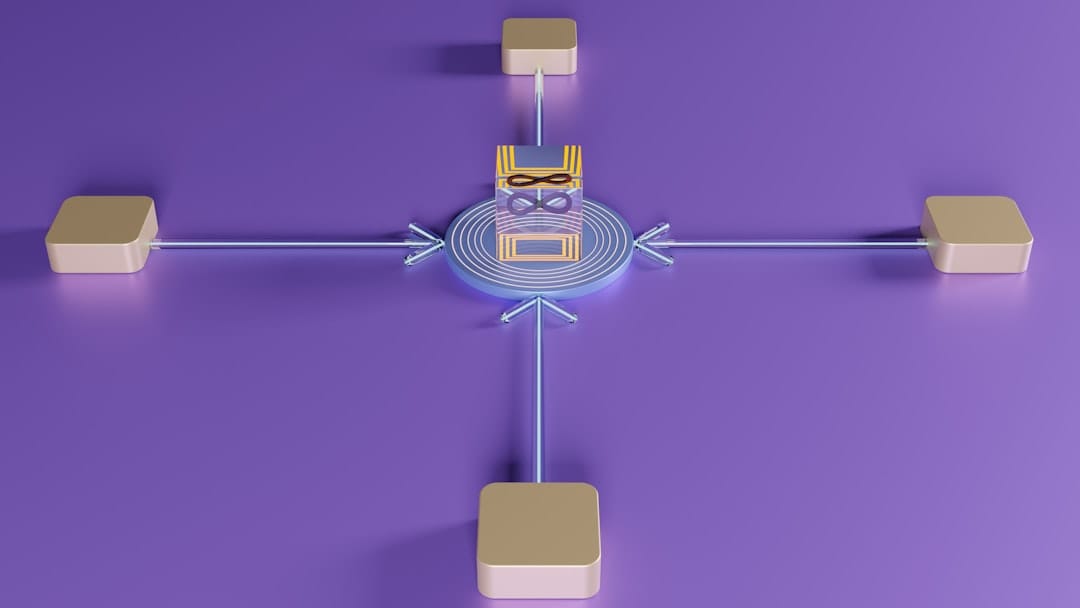
A critical component of a self-improving agent is its ability to recognize when it cannot provide a confident or accurate answer. This involves establishing a distinct 'failure path' within your workflow that activates under such circumstances.
You can implement this by adding a Router node (or an IF node) immediately after the LLM node. This node will analyze the LLM's response. If the response contains phrases like "I do not have enough information" or "I don't know," the Router will direct the workflow down the 'Failure' path. Otherwise, it proceeds along the 'Success' path to deliver the AI's answer. This branching logic is the cornerstone of any system designed to learn from its deficiencies.
Step 4: Implementing the Human-in-the-Loop (HITL) Review
When the agent identifies a query it cannot answer, the Human-in-the-Loop (HITL) process takes over, routing the unresolved query to a human expert. This is where the actual learning from failure begins, providing the agent with the correct data to improve.
Connect a Slack or Gmail node to the 'Failure' output of your Router. This node will send a notification containing the original user's question to a designated human reviewer. The notification should include a clear call to action, perhaps a link to a form or another n8n webhook, where the expert can submit the correct answer. This ensures that no query goes unanswered and that the agent has a pathway to acquiring new knowledge.
Step 5: Closing the Loop by Updating the Knowledge Base
The final, crucial step in the self-improvement cycle is to seamlessly integrate the human-verified answer back into the agent's knowledge base. This ensures that future identical or similar queries will be handled correctly without human intervention.
To achieve this, you'll create a second, very simple n8n workflow. This workflow will have a webhook trigger that listens for submissions from the human expert's response mechanism. Upon receiving the original question and the expert's validated answer, a Google Sheets node (configured to append data) will add this new Q&A pair as a new row in your knowledge base. The next time the agent encounters this question, it will find the correct answer in its updated knowledge base and proceed down the 'Success' path.
Comparing Improvement Mechanisms: Simple Storage vs. RAG with Cognee
While a straightforward Q&A pair stored in a Google Sheet is effective for direct lookups, more advanced agents benefit from semantic understanding. Retrieval-Augmented Generation (RAG) systems, like those leveraging a vector database such as Cognee, offer a richer way to manage knowledge.
RAG systems store information as embeddings, allowing the AI to find conceptually related answers even if the keywords don't match exactly. This means your agent can understand user queries more contextually and retrieve more relevant information. Cognee, for example, transforms your unstructured documents into a searchable semantic space, enabling more nuanced retrieval than simple keyword matching.
For simpler needs, Google Sheets is a low-barrier entry point. However, for complex domains requiring nuanced understanding and broader knowledge retrieval, integrating a vector database like Cognee allows your n8n agent to move from simple recall to intelligent inference.
Deploying and Monitoring Your Intelligent Agent
Once your self-improving agent workflow is constructed and tested, the next step is to deploy it to ensure it runs continuously and starts learning. Activate the workflow in your n8n instance, making it ready to receive and process queries.
Consistent monitoring is key to maintaining and improving your agent's performance. Regularly review the 'Executions' log within n8n to track workflow runs, identify any errors, and debug issues that may arise. Observing the frequency of successful versus failed executions can provide insights into the agent's learning progress. Over time, as the agent successfully deflects more queries, you'll also see a reduction in LLM API calls, leading to cost savings.
A deployment checklist can be a useful framework to ensure all aspects of your learning loop are functioning correctly before going live. This includes verifying trigger configurations, LLM API connections, knowledge base access, failure path logic, and the feedback loop for updating the knowledge base.
Conclusion and Next Steps
You've now learned how to build a self-improving AI agent using n8n, moving beyond static automation to create workflows that learn from their mistakes. By incorporating a knowledge base, failure detection, human-in-the-loop review, and a feedback mechanism, your agents can continuously enhance their ability to serve your business needs.
This approach unlocks a new level of intelligent automation, making your processes more robust, accurate, and efficient over time. The ability for your workflows to adapt and grow ensures they remain valuable assets in a rapidly evolving technological landscape.
Here are concrete next steps you can take today:
- Identify a specific, repetitive task or FAQ in your business that could be automated and improved with an AI agent.
- Set up your n8n instance and obtain API keys for your preferred LLM provider if you haven't already.
- Create a simple knowledge base, like a Google Sheet, with a few initial Q&A pairs relevant to your chosen task.
- Build and test the basic request-response workflow as outlined in Step 1, then gradually add the knowledge base integration and failure path.
- Configure the Human-in-the-Loop notification (e.g., via Slack or email) to receive a manual alert when the agent needs input.
Frequently asked questions
How much does an n8n AI agent cost?
The cost of an n8n AI agent has two main components: the n8n platform cost and the cost of external API calls. n8n itself can be free if you choose to self-host the community version. For cloud plans, there are subscription fees. The variable costs come from API calls to your chosen LLM (e.g., OpenAI or Google Gemini), typically priced per token. A well-designed self-improving agent can actually lower overall API costs in the long run by becoming more efficient and deflecting more queries automatically.
Can I make an AI agent with n8n?
Yes, n8n is an excellent platform for building custom AI agents. Its visual interface allows you to connect various AI models and services through its extensive node library, enabling you to craft complex logic, manage data, and integrate AI capabilities into your existing business workflows. You can create anything from simple chatbots to sophisticated autonomous agents.
Is n8n good for personal use?
Absolutely. n8n offers a powerful, free, self-hostable version that is more than capable of handling numerous personal automation projects. Whether you want to automate tasks on your computer, manage personal data, integrate smart home devices, or experiment with building small-scale AI agents, n8n provides the flexibility and power needed.
What are some alternatives to Cognee for knowledge management?
While Cognee is a capable vector database for RAG, other excellent alternatives integrate well with n8n for knowledge management. These include Pinecone, Weaviate, Milvus, and Qdrant. For simpler use cases, n8n also offers built-in Vector Store nodes that can be managed within your n8n instance, providing an on-platform solution.
Can this agent run completely autonomously without humans?
While you can build workflows that operate largely autonomously, the 'self-improving' aspect of the agent described in this guide is fundamentally reliant on a human-in-the-loop (HITL) to provide validated, high-quality feedback. This human oversight is crucial for preventing the agent from learning incorrect information or developing faulty logic based on flawed initial responses. True autonomy without any human input for error correction would require far more advanced safety mechanisms and validation techniques.
How does this self-improving agent differ from a standard chatbot?
A standard chatbot typically operates with a static knowledge base or a predefined set of rules and scripts. It answers questions based on what it was initially programmed with. In contrast, this self-improving agent includes a dynamic learning loop. When it encounters a question it cannot answer, it seeks human input, processes that input, and then updates its own knowledge base. This iterative process allows the agent to expand its capabilities and improve its accuracy over time based on real-world interactions and corrections.
What happens if the human-in-the-loop provides a bad answer?
This highlights a critical aspect of the HITL process: the quality of the human input. In the current design, a poorly provided answer would be added to the knowledge base, potentially leading the agent to learn incorrect information. More sophisticated systems might incorporate a secondary review step, an AI-driven quality scoring mechanism for human-provided answers, or a mechanism to flag and re-evaluate recently added knowledge if it leads to subsequent failures.
Do I need to self-host n8n to build this?
No, you do not need to self-host n8n to build this type of self-improving AI agent. You can construct and deploy the entire workflow on n8n's Cloud plans. Self-hosting is an option that offers greater control over your data, infrastructure, and potentially lower costs for very high-volume usage, but it is not a prerequisite for learning and building these advanced workflows.
What programming languages can I use with n8n's Code Node?
The primary programming language supported within n8n's dedicated Code Node is JavaScript (specifically, Node.js). This allows you to write custom scripts for complex data manipulation, conditional logic, or API interactions directly within your n8n workflows. For other languages like Python, you can alternatively use the Execute Command node to run external scripts located on the host machine, which is a powerful technique, especially in self-hosted environments where you have full system access.
Who are the big 4 AI agents?
The term "AI agent" can be interpreted in various ways, leading to different answers depending on the context. In the consumer realm, the most recognized AI assistants often include Amazon Alexa, Google Assistant, Apple's Siri, and Microsoft's Cortana. In the domain of AI development and automation, "AI agent" more commonly refers to autonomous systems built using frameworks like LangChain, AutoGPT, or n8n, designed to perform tasks or a series of tasks with varying degrees of independence, rather than being a specific consumer product.


