
Build a Lovable AI Inventory Management App: Your Step-by-Step Guide
If your small business is still running on an inventory spreadsheet, you're leaving money on the table through stockouts, overstocking, and wasted time. This guide provides a stepbystep walkthrough for nontechnical owners to build a simple, AIpowered internal app using Lovable AI. You'll learn how t


Table of contents
- Summary: Your Framework for Inventory Automation
- Why Your Inventory Spreadsheet Is Holding Your Business Back
- What Is an AI-Powered Inventory App?
- Planning Your Custom Inventory Tool: The 5-Minute Blueprint
- Step 1: Setting Up Your Data Foundation in Lovable AI
- Step 2: Building Your Real-Time Stock Dashboard
- Step 3: Automating Reorder Alerts with AI Agents
- Step 4: Adding Purchase Order and Supplier Management
- Unlocking Predictive Power: AI-Powered Demand Forecasting
- Custom Lovable App vs. Off-the-Shelf Software
- Next Steps: Expanding Your Internal App Ecosystem
- Conclusion and Next Steps
- Frequently asked questions
- Additional Resources
If your small business is still running on an inventory spreadsheet, you're leaving money on the table through stockouts, overstocking, and wasted time. This guide provides a step-by-step walkthrough for non-technical owners to build a simple, AI-powered internal app using Lovable AI. You'll learn how to replace your spreadsheet with a smart system that tracks inventory in real-time, alerts you when to reorder, and helps you predict future demand.
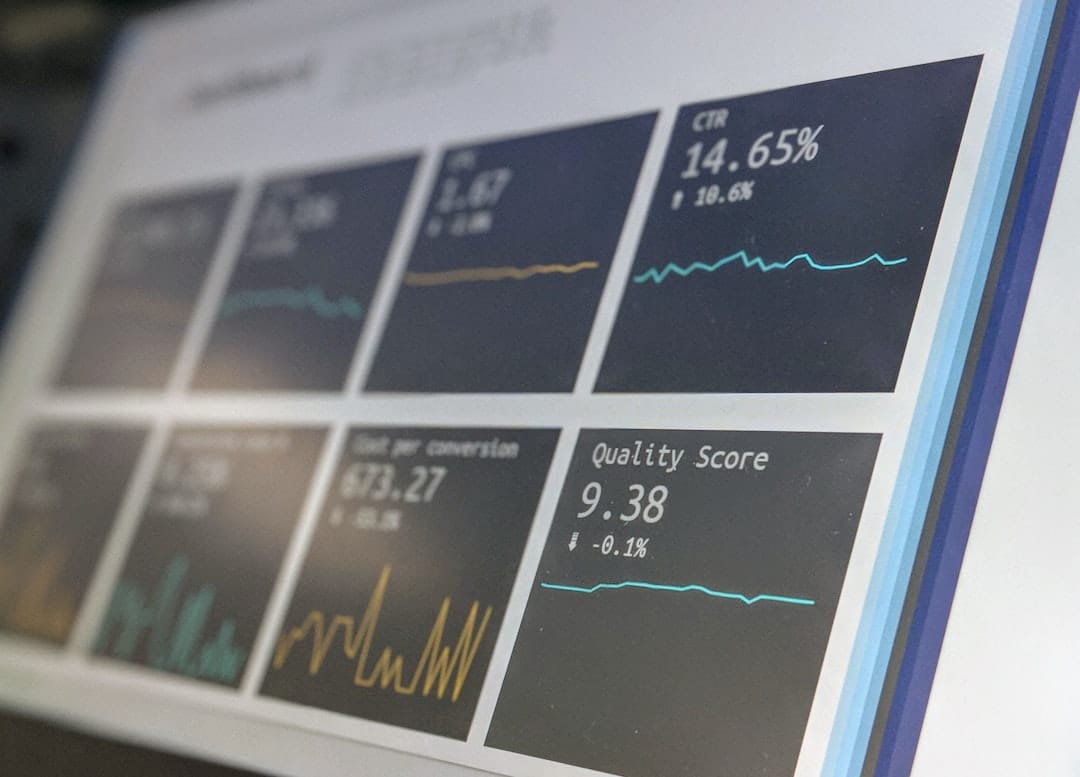
Summary: Your Framework for Inventory Automation
- Digitize It: Your first move is to get all of your inventory data out of a spreadsheet and into a structured database within Lovable AI.
- Automate It: Build simple workflows and AI agents to monitor stock and automatically flag items for reorder, eliminating manual checks.
- Build the UI: Create a simple, clean dashboard with key metrics and action items so you can see your inventory status in seconds.
- Connect the Loop: Go beyond tracking by building simple forms for purchase orders and receiving, creating a closed-loop system.
- Start Simple and Evolve: Don't try to build everything at once. Launch with a basic stock monitor and add features like forecasting as you go.

Why Your Inventory Spreadsheet Is Holding Your Business Back
Your trusty inventory spreadsheet is likely a major bottleneck for your business. Spreadsheets are dangerously prone to human error, leading to inaccurate stock counts and costly ordering mistakes. The data is almost always out of date, meaning you can't make fast, informed decisions.
Manual tracking is a reactive process that consumes valuable hours you could be spending on growing the business, not just maintaining it. Crucially, spreadsheets cannot provide predictive insights, making it impossible to forecast future demand or optimize stock levels against seasonal trends.
What Is an AI-Powered Inventory App?
An AI-powered inventory app is a custom internal tool that uses artificial intelligence to automate and optimize how you track and manage your stock. It's a centralized system built on a no-code platform that connects your product data, sales velocity, and supplier information.
This type of app moves beyond a simple database by using AI agents to monitor stock levels, flag items for reordering, and even forecast future needs. Lovable AI is a no-code builder that allows you to create this application logic and user interface without writing any code. You can explore ready-made solutions like the Stackwise Inventory Management System template here.
Planning Your Custom Inventory Tool: The 5-Minute Blueprint
Before you start building, take a few minutes to create a simple plan that defines what data you have, what you need the app to do, and who will use it. Gather key data points from your existing spreadsheet: SKU, product name, current quantity, cost, supplier, and reorder point.
For your initial version (V1), focus on three essential functions: a dashboard to see current stock, an alert for low-stock items, and a way to log new inventory. You can visualize the basic architecture of this transition as: [Your Spreadsheet] $\rightarrow$ [Lovable AI Data Model] $\rightarrow$ [Lovable AI User Interface & Logic].
Step 1: Setting Up Your Data Foundation in Lovable AI
Your first practical step is to create a database within Lovable AI and import your existing product information from a CSV file. To do this, export your spreadsheet to a clean CSV format, ensuring column headers are clear and match the fields you planned.
Next, create a new 'data collection' in Lovable AI and map your CSV columns to new data fields like 'Product Name', 'Current Stock', and 'Reorder Point'. Assign appropriate data types (Number, Text, etc.) for each field to ensure the app functions correctly.
Step 2: Building Your Real-Time Stock Dashboard
Your dashboard is the central hub, giving you an at-a-glance view of your entire inventory status. In the Lovable AI editor, you can drag and drop UI components like tables, stat cards, and search bars. Connect these components to your data collection, allowing a table to display all your products.
Create summary cards for key metrics like 'Total SKUs', 'Items Low on Stock', and 'Out of Stock Items' by building simple filters on your data. This gives you immediate visibility into your inventory's health.
Step 3: Automating Reorder Alerts with AI Agents
You can empower an AI agent within Lovable AI to constantly monitor your stock levels and automatically flag items that need reordering. This AI-driven workflow checks if an item's 'Current Stock' is less than or equal to its 'Reorder Point' and triggers an action.
Build this logic by setting up a rule that changes an item's status to 'Needs Reorder' and adds it to a special 'To-Do' list visible on your dashboard. This automates a critical, time-consuming manual task. The workflow can be visualized as: [Stock Update] $\rightarrow$ [Check: Is Stock $\le$ Reorder Point?] $\rightarrow$ [Yes: Flag Item & Send Alert] / [No: Do Nothing].
Step 4: Adding Purchase Order and Supplier Management
A robust inventory system tracks not just what you have, but also what's on its way and who you're buying from. Create a second data collection for 'Suppliers' and a third for 'Purchase Orders' that links back to products and suppliers.
Build a simple form for creating new Purchase Orders and a workflow to update inventory levels when an order is marked as 'Received'. This transforms your tool from a passive monitor into an active management system, handling the entire purchasing lifecycle.
Unlocking Predictive Power: AI-Powered Demand Forecasting
Lovable AI's more advanced features can help you predict future stock needs based on past sales data. By tracking stock-out history (sales velocity), the AI can build a simple forecasting model to project future demand.
Set up an AI action that analyzes this data to suggest reorder quantities, moving beyond fixed reorder points. You can display these forecasts on a chart in the dashboard, showing projected stock levels for the next 30, 60, or 90 days.
Custom Lovable App vs. Off-the-Shelf Software
Building a custom app with Lovable AI offers unparalleled flexibility, whereas off-the-shelf software provides a faster but more rigid solution. A custom app is tailored exactly to your workflow, avoiding the complex, unused features of commercial software that you still pay for.
Off-the-shelf tools are quicker to set up initially but can be difficult or impossible to change as your business evolves. You can read more about Lovable AI's use cases and capabilities here.
| Feature | Lovable AI Custom App | Off-the-Shelf Inventory Software |
|---|---|---|
| Flexibility | High; tailored to exact needs | Low; limited by vendor features |
| Cost | Predictable subscription + development time | Higher upfront/ongoing SaaS fees; can be costly for unused features |
| Setup Time | Moderate (build time) | Fast initial setup |
| Scalability | High; scales with your Lovable AI plan | Varies by vendor; may have performance limits |
| Customization | Full control over UI, logic, and data | Limited to vendor-provided options |
| Integration | Can integrate with any API via custom development | Pre-built integrations, but can be limited |
Next Steps: Expanding Your Internal App Ecosystem
Your inventory app is just the beginning; the same skills and data can be used to build other interconnected tools for your business. Suggest connecting your inventory data to a custom CRM, also built in Lovable AI, to see customer order history alongside product levels. You could also propose building a simple employee portal where staff can request supplies, with requests automatically cross-referencing inventory levels. Lovable AI is a platform for creating a suite of bespoke, agentic tools that work together for your specific business needs. You can explore more about what Lovable AI can build by visiting their solutions page here.
Conclusion and Next Steps
You've learned how to move beyond an inventory spreadsheet to a powerful, AI-driven internal app using Lovable AI. By digitizing your data, automating reorder alerts, building a clear dashboard, and connecting your purchasing flow, you can gain real-time visibility and control over your stock. Remember to start simple with core features and then incrementally add advanced capabilities like demand forecasting.
Here are your concrete next actions:
- Export Your Spreadsheet: Convert your current inventory spreadsheet into a clean CSV file.
- Create Your Lovable AI Account: Sign up for a free account on Lovable AI.
- Import Your Data: Upload your CSV to create your initial product data collection in Lovable AI.
- Build Your Dashboard: Use the drag-and-drop interface to create your basic stock overview.
- Set Up Your First AI Alert: Configure an AI agent to notify you when stock is low.
Frequently asked questions
Can AI really do inventory management?
Yes. AI excels at the pattern recognition and automation needed for modern inventory management. It can track stock, predict demand based on past data, and automate reordering workflows to prevent stockouts and reduce manual error.
What can Lovable AI be used for besides inventory?
Lovable AI is a versatile platform for building a wide range of custom internal tools and applications, including CRMs, project management systems, client portals, HR dashboards, and more, all without writing code. This flexibility is highlighted in their solutions page here.
Is building my own app better than buying inventory software?
It depends on your needs. Off-the-shelf software is fast to deploy but rigid. Building your own app with Lovable AI is more flexible, cheaper in the long run, and tailored to your exact workflow, but it requires an initial time investment to build.
Can my Lovable AI inventory app connect to Shopify or Square?
Yes, Lovable AI can connect to external platforms like Shopify or Square through APIs. This allows you to automatically pull sales data to deplete inventory counts in real-time, though it requires a more advanced setup.
Do I need to be a programmer to use Lovable AI?
No. Lovable AI is a no-code platform designed for business users and entrepreneurs. You can build complex application logic and user interfaces using a visual, drag-and-drop editor.
How accurate is the AI demand forecasting?
The accuracy of the AI forecast depends entirely on the quality and volume of your historical data. The more clean, consistent sales and inventory data you provide, the more accurate its predictions will become over time.
How much does it cost to build this inventory app?
The cost is based on your Lovable AI subscription plan. Unlike hiring developers or buying expensive SaaS licenses, the primary cost is your subscription fee and the time you invest in building the application.
How long will this take to build?
A non-technical user can build a basic version of this inventory tracker with a real-time dashboard and low-stock alerts in a single afternoon following this guide. More complex features like PO management will take additional time.
Can it manage inventory across multiple locations?
Yes. You can design your data structure to include a 'Location' field for each product entry. Then, you can build dashboards and logic that allow you to filter and manage inventory specific to each store or warehouse.
What happens if my business needs change?
That's a key advantage of building a custom app. Since you built it, you can easily go back into the Lovable AI editor at any time to add new features, change the workflow, or modify the user interface as your business evolves. You can explore built internal tool templates on Lovable's website, such as their Inventory Management System template here.


